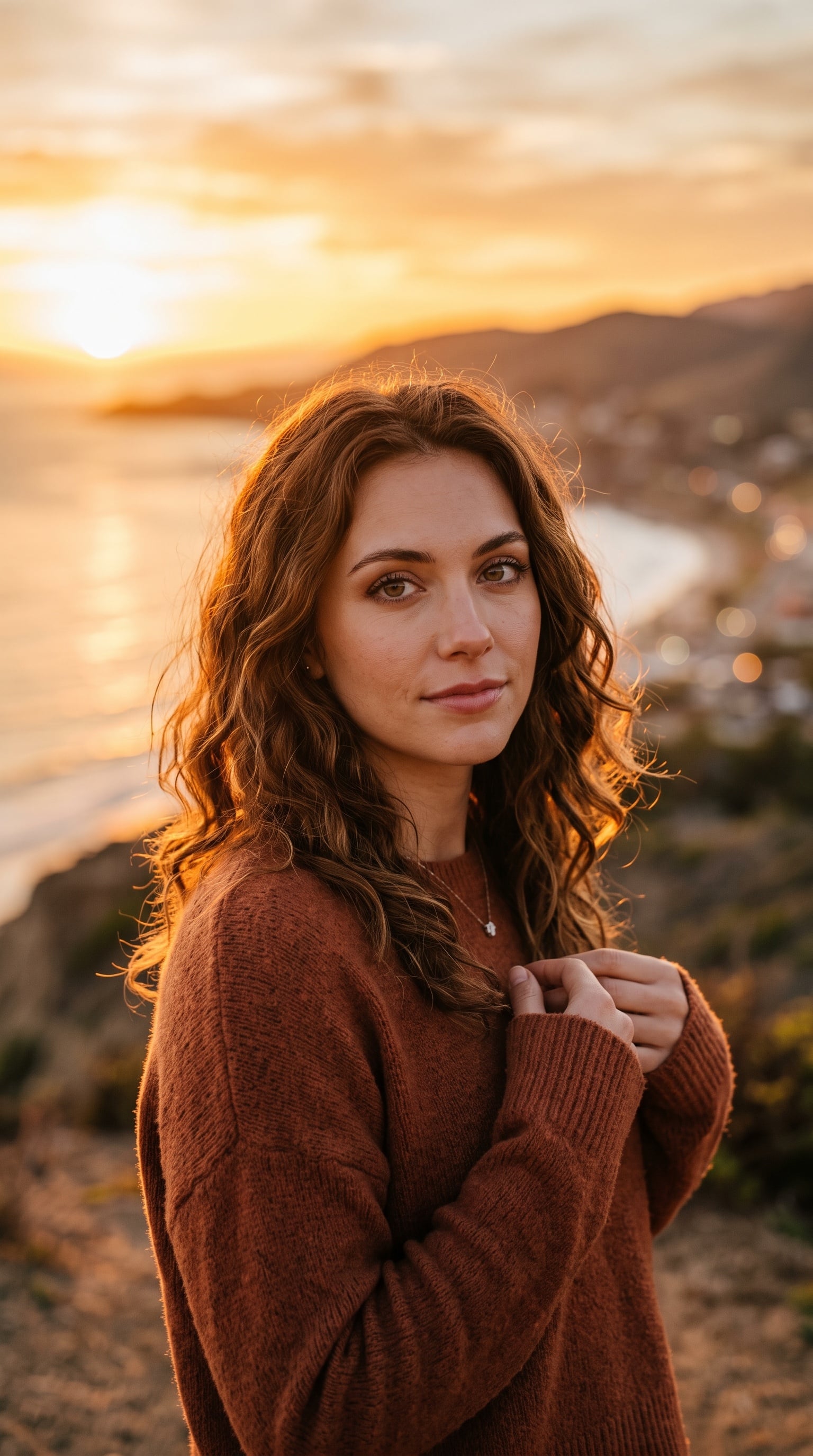
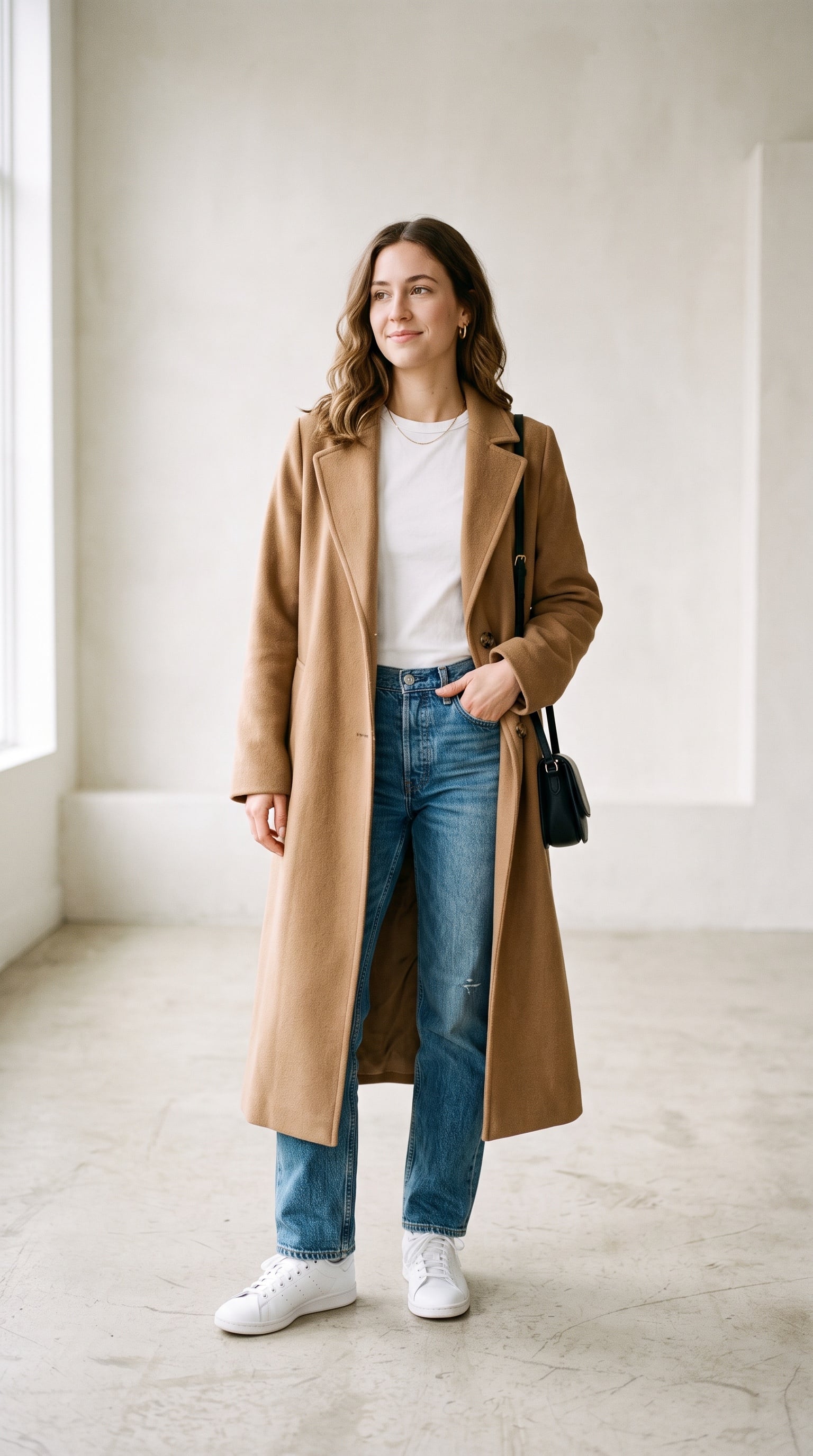
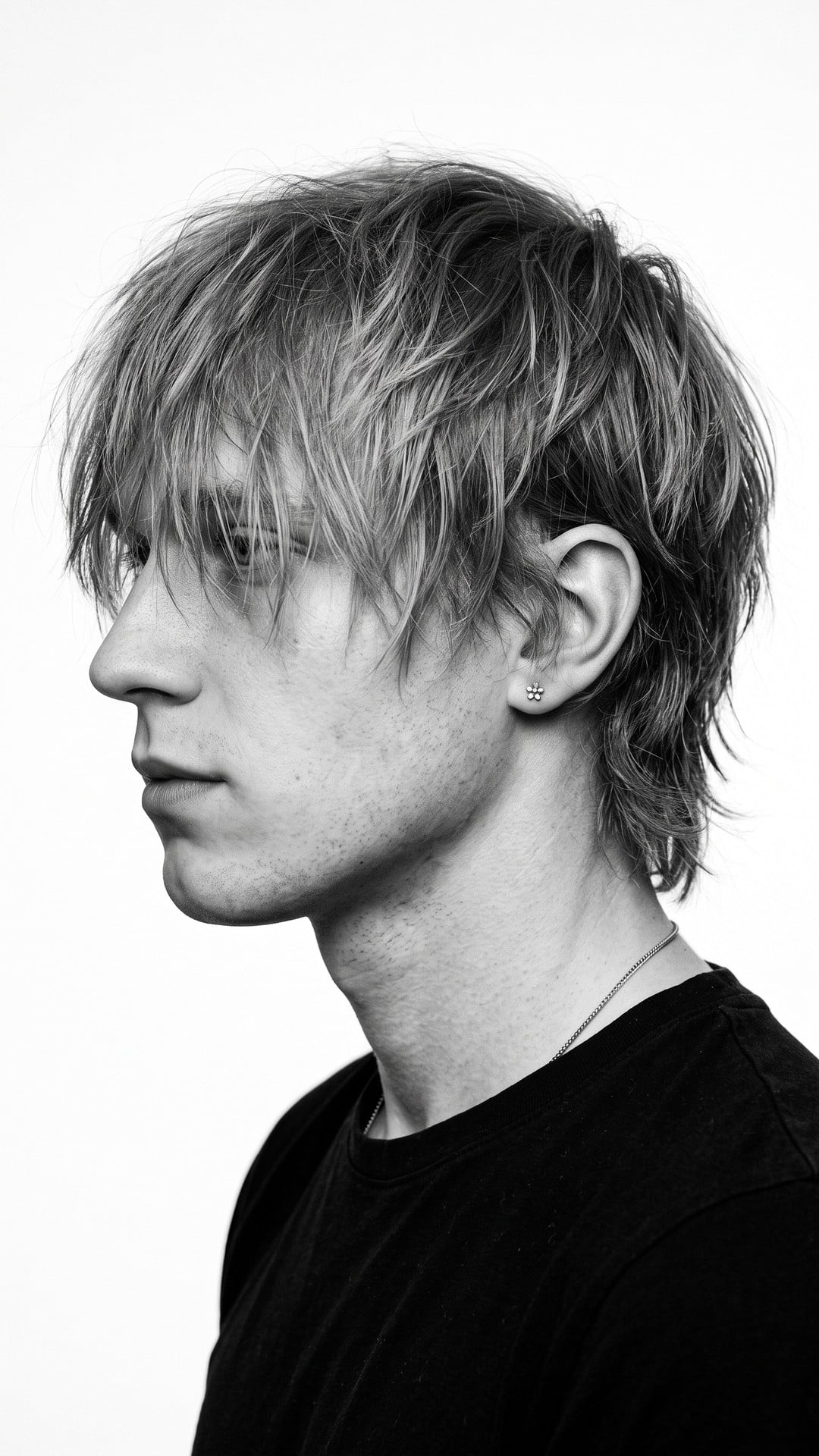
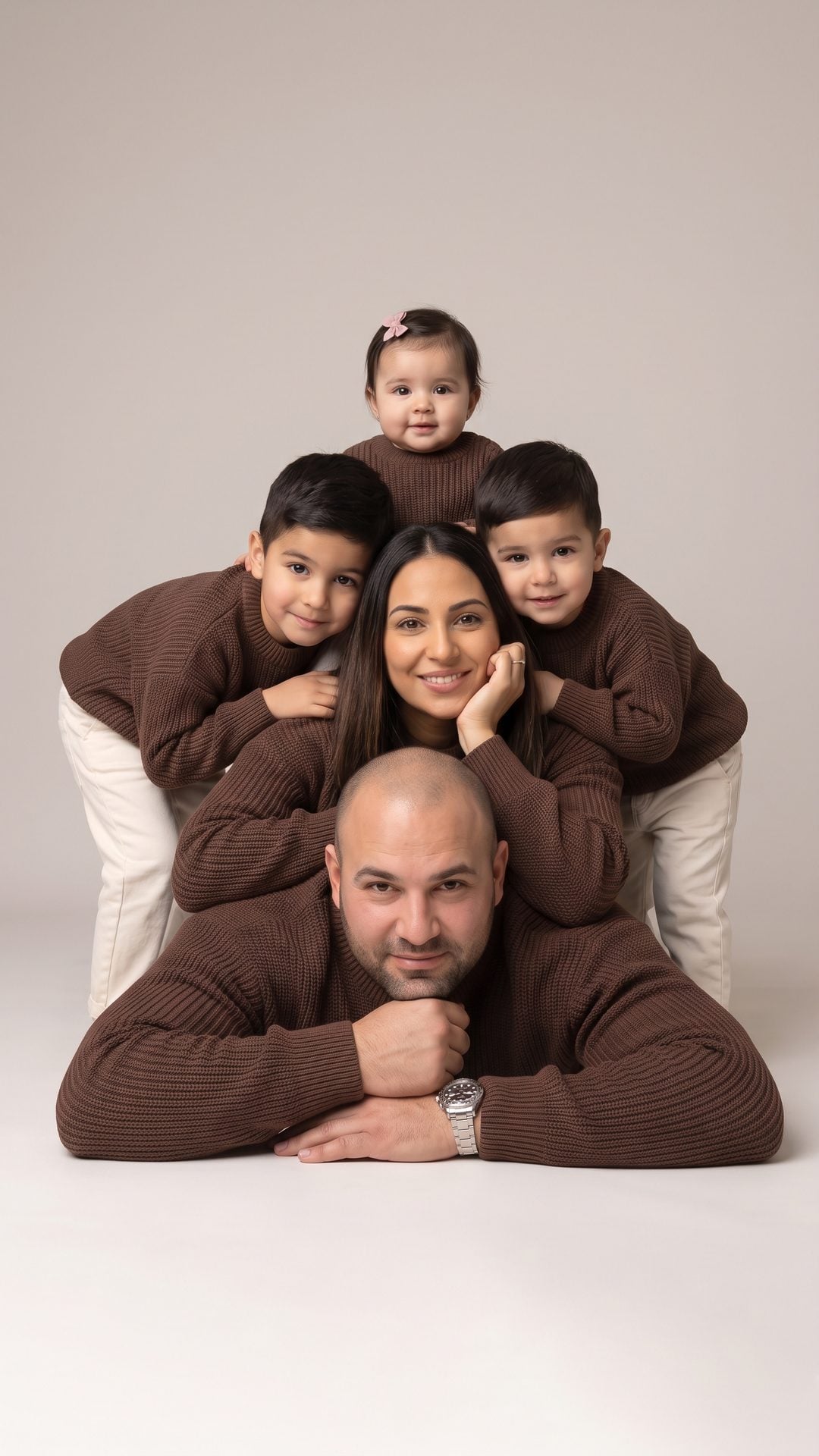
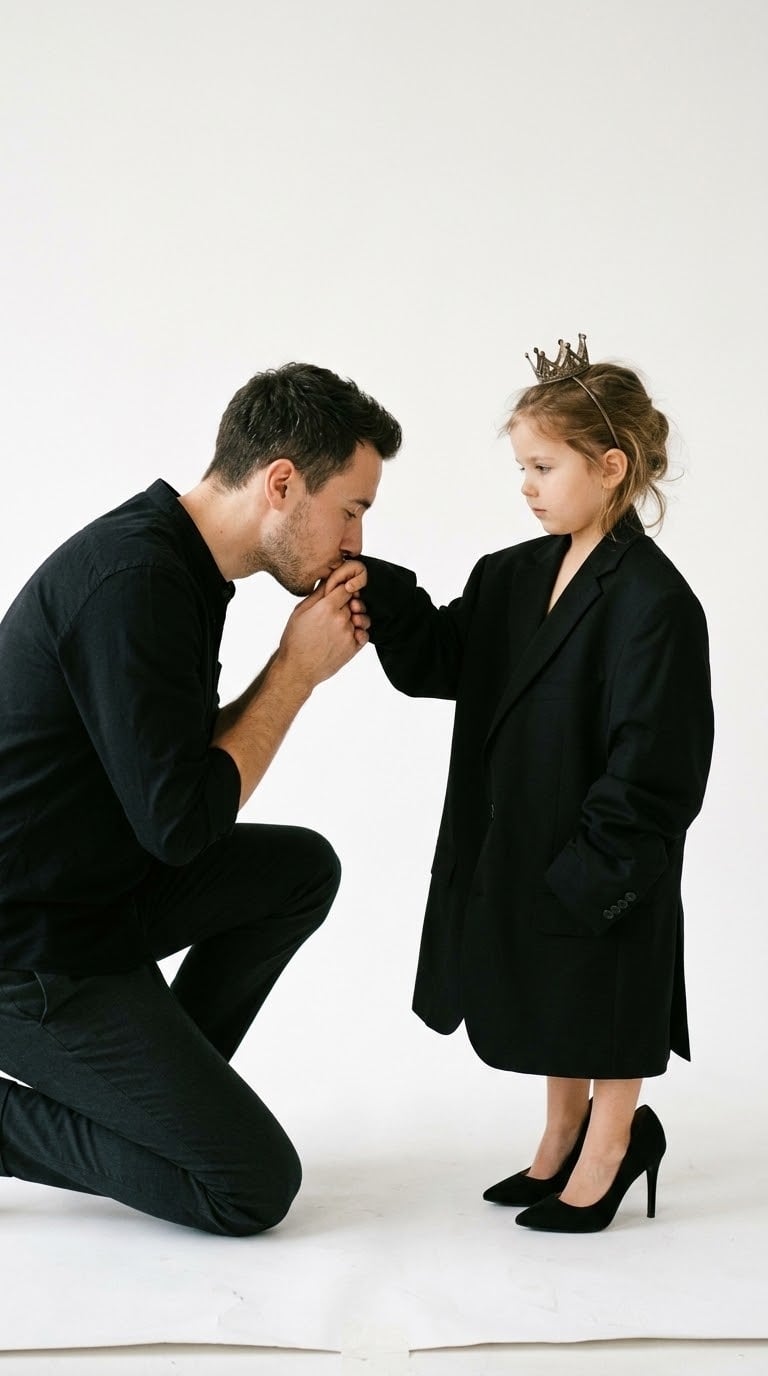
Business Portrait
A photo for LinkedIn and your resume.
“Business Portrait” is an AI photo template. A photo for LinkedIn and your resume. Upload your photo. The prompt is already inside, so there’s nothing to type. Nano Banana Pro, 30 credits per image at 2K, and you only pay for a finished result.
What you get

How it works
- 1. Tap “Make one like this”: the prompt is already inside, nothing to type.
- 2. Upload a photo to the “Your photo” field: face clearly visible, daylight, no filters.
- 3. Start the generation. You see the price up front and only pay for the result.
What people use it for
- An avatar for social media and messengers.
- A profile photo without a photoshoot or studio.
- A portrait in a new look as a gift for someone close.
Photo and prompt tips
- Your photo: Face clearly visible, one person in the shot, no glasses or filters.
- Use daylight and skip filters and dark glasses: that way the AI captures your face more accurately.
- Not happy with the result? Run it again: every generation is a little different, and a new image takes a minute or two.
Template prompt
You can tweak it right in the generator: the template just fills in a starting point.
Профессиональный деловой портрет: [ЧЕЛОВЕК], строгий деловой образ, нейтральный студийный фон, мягкий равномерный свет, уверенный взгляд в камеру, резкость на глазах, корпоративный стиль
FAQ
- How do I make “Business Portrait” from my photo?
- Tap “Make one like this” and upload your photo. In a minute or two the image appears in My generations, ready to download.
- How much does the “Business Portrait” template cost?
- Nano Banana Pro, 30 credits per image at 2K. You see the price before you start, and you only pay for a finished result.
- Can I try it for free?
- Yes: new accounts get 50 credits, enough for a first generation with this template.