B&W Eyes
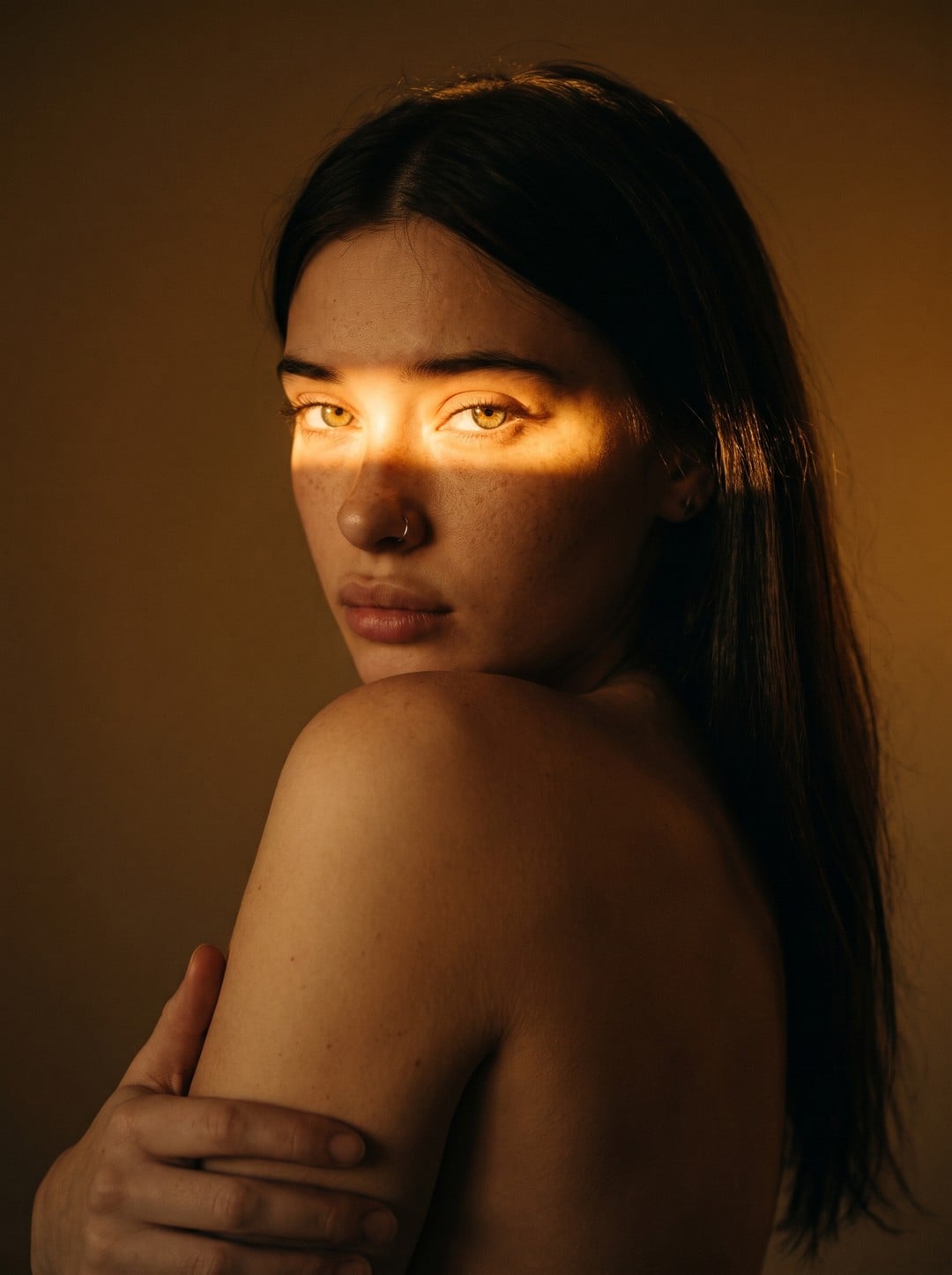
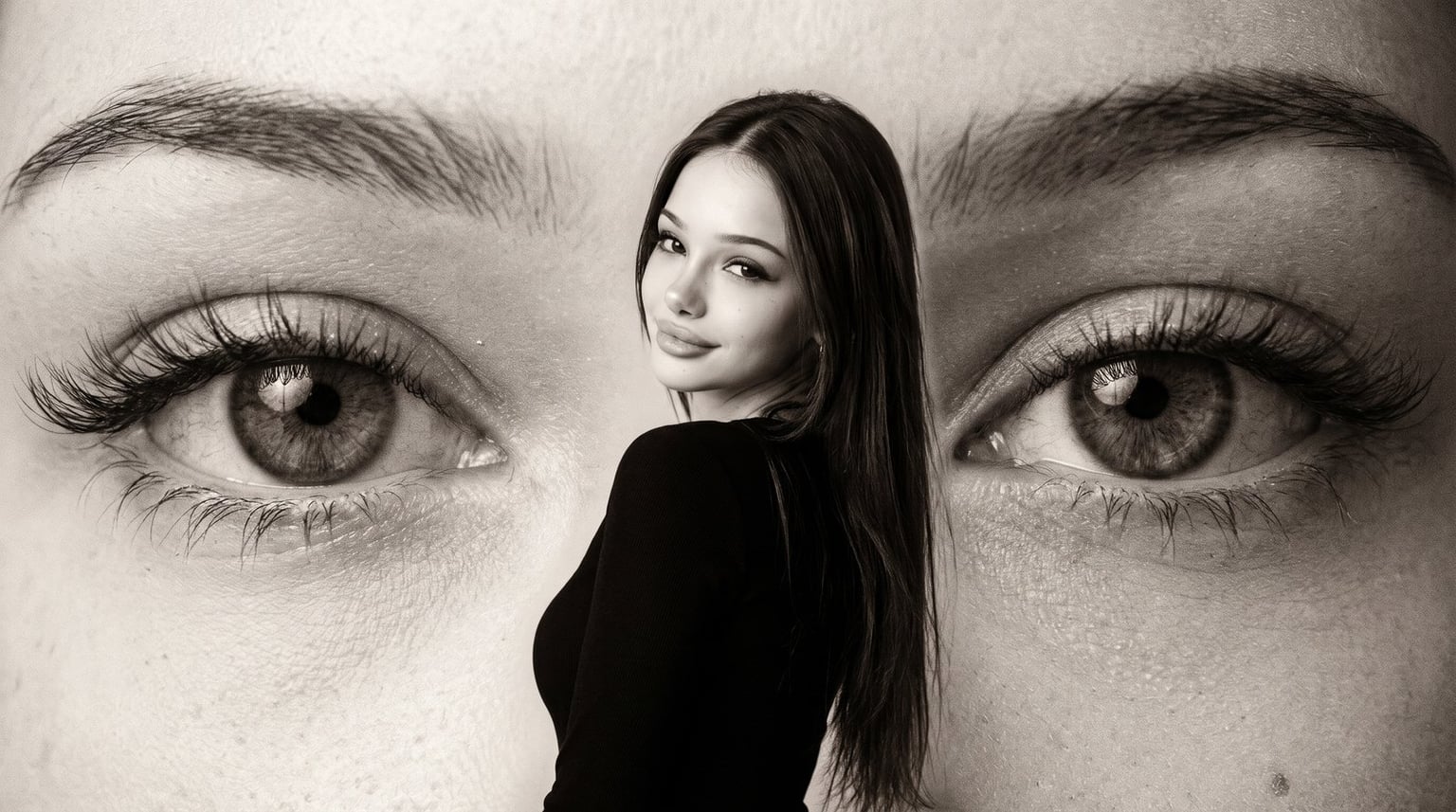
Upload a selfie: a black-and-white shot like a single or movie cover. Your own eyes in close-up in the background, and you in the center looking over your shoulder.
“B&W Eyes” is an AI photo template. Upload a selfie: a black-and-white shot like a single or movie cover. Your own eyes in close-up in the background, and you in the center looking over your shoulder. Upload your photo. The prompt is already inside, so there’s nothing to type. Nano Banana Pro, 30 credits per image at 2K, and you only pay for a finished result.
What you get
How it works
- 1. Tap “Make one like this”: the prompt is already inside, nothing to type.
- 2. Upload a photo to the “Your photo” field: face clearly visible, daylight, no filters.
- 3. Start the generation. You see the price up front and only pay for the result.
What people use it for
- A TikTok or Instagram post or carousel in a format that’s trending right now.
- An avatar or a story cover.
- A fun surprise for friends: the image is easy to share in a chat.
Photo and prompt tips
- Your photo: Face clearly visible, one person in the shot, no glasses or filters.
- Use daylight and skip filters and dark glasses: that way the AI captures your face more accurately.
- Not happy with the result? Run it again: every generation is a little different, and a new image takes a minute or two.
Template prompt
You can tweak it right in the generator: the template just fills in a starting point.
Photo 1 is me, an adult woman: keep exactly my face, face shape, eye colour, eyebrows, nose, lips, freckles and moles, skin tone, hair colour and hair length, the same person, instantly recognizable. Keep my Slavic appearance. Take only my face and hair from photo 1, ignore its pose, clothes and background.

Create a wide horizontal 16:9 cinematic black-and-white artistic double-exposure portrait, like a cover for a music single or a film poster.

Background: a giant extreme close-up of MY OWN eyes fills the whole frame as a wall behind me: the band from my eyebrows down to just under my eyes, cropped tight, my left eye on the left side of the frame and my right eye on the right side, both very large, sharp and detailed, with long thick lashes, detailed iris texture and natural skin texture, gazing straight at the viewer. My two eyes are far apart at the left and right edges, the space between them (the bridge of my nose and smooth skin) is in the centre.

Foreground: in the centre of the frame, between the two giant eyes, a small figure of me, framed from the top of my head down to my chest, the bottom edge of the frame cuts my figure at the chest. The top of my head is at about one quarter of the frame height from the top, my figure is narrow, about one fifth of the frame width. Pose exactly like this, never mirrored: my body is turned away from the camera three-quarters toward the RIGHT side of the frame, I look back over my left shoulder at the camera, my head slightly tilted to the left, a soft confident look, lips closed with a faint smile. I wear a simple black long-sleeve top. My long straight loose hair falls down my back on the right side of my figure.

Look: fully monochrome black-and-white, no colour at all anywhere (hair, skin and eyes are grey tones too), with a very slight warm sepia tint, soft even studio light, soft creamy highlights and gentle grey shadows, matte film-like finish with fine grain, clean seamless blend between the foreground figure and the giant eyes, minimalist and elegant. Real photo look, not AI-looking.

No text, no captions, no watermarks.
FAQ
- How do I make “B&W Eyes” from my photo?
- Tap “Make one like this” and upload your photo. In a minute or two the image appears in My generations, ready to download.
- How much does the “B&W Eyes” template cost?
- Nano Banana Pro, 30 credits per image at 2K. You see the price before you start, and you only pay for a finished result.
- Can I try it for free?
- Yes: new accounts get 50 credits, enough for a first generation with this template.