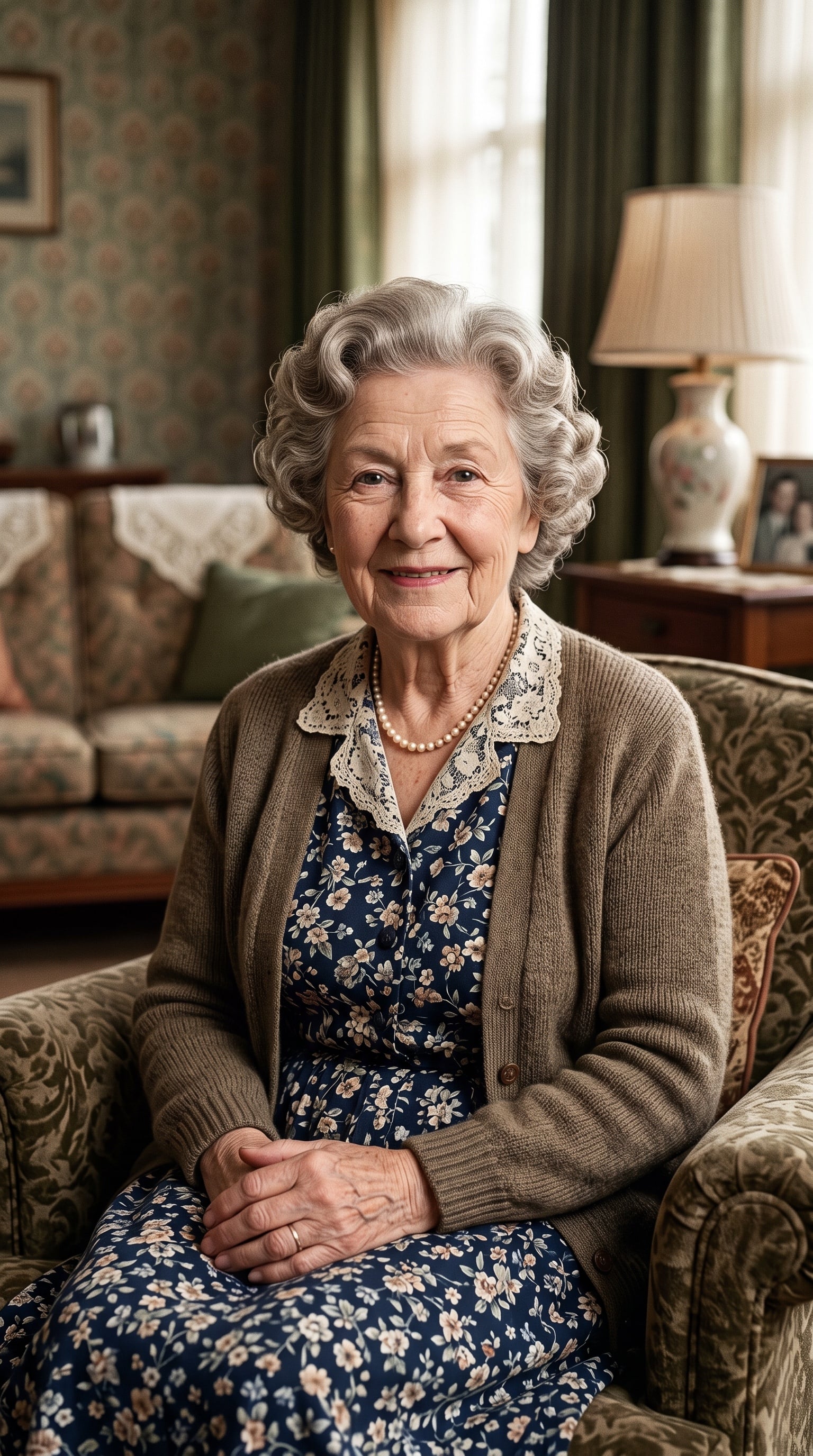
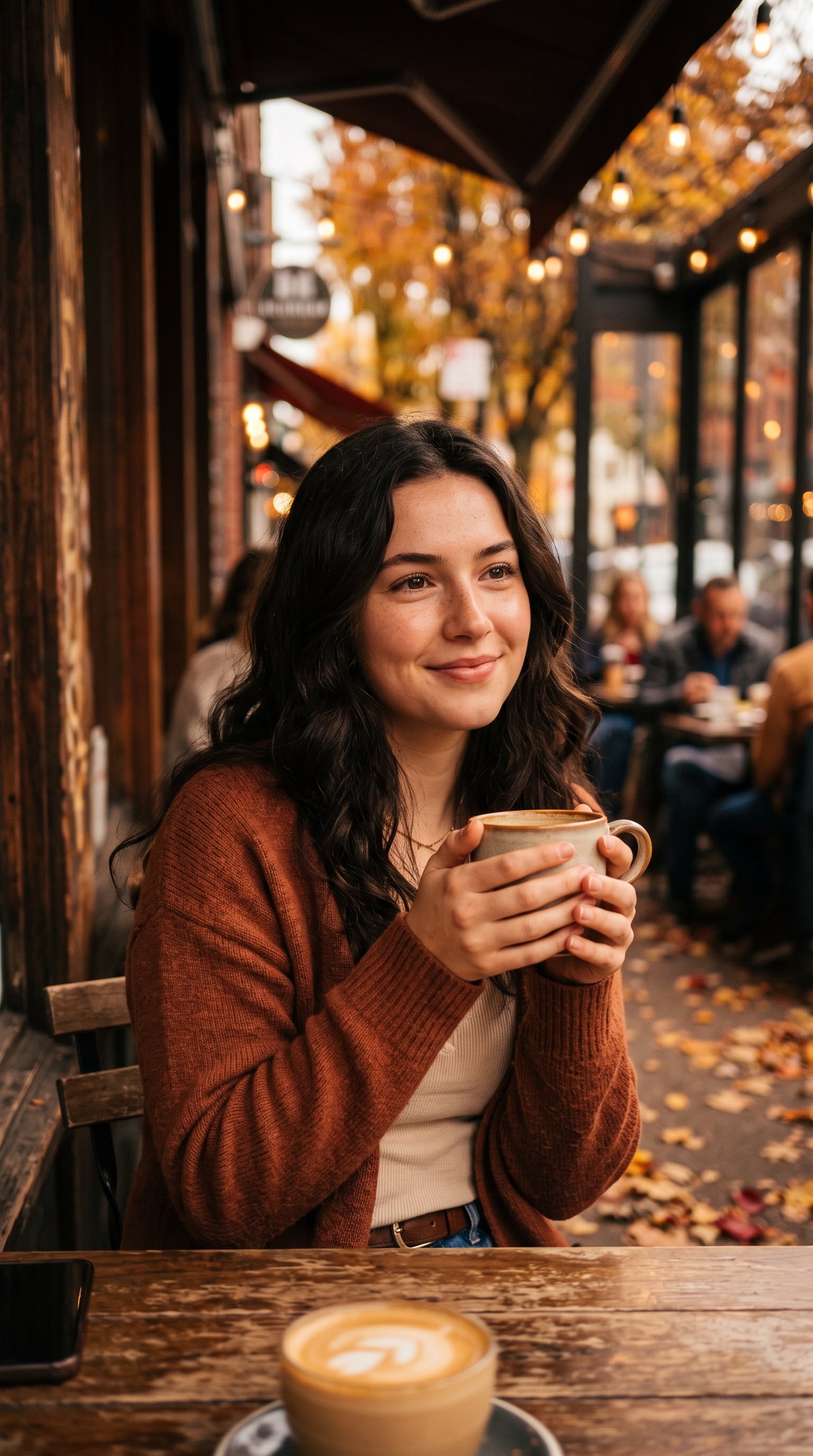
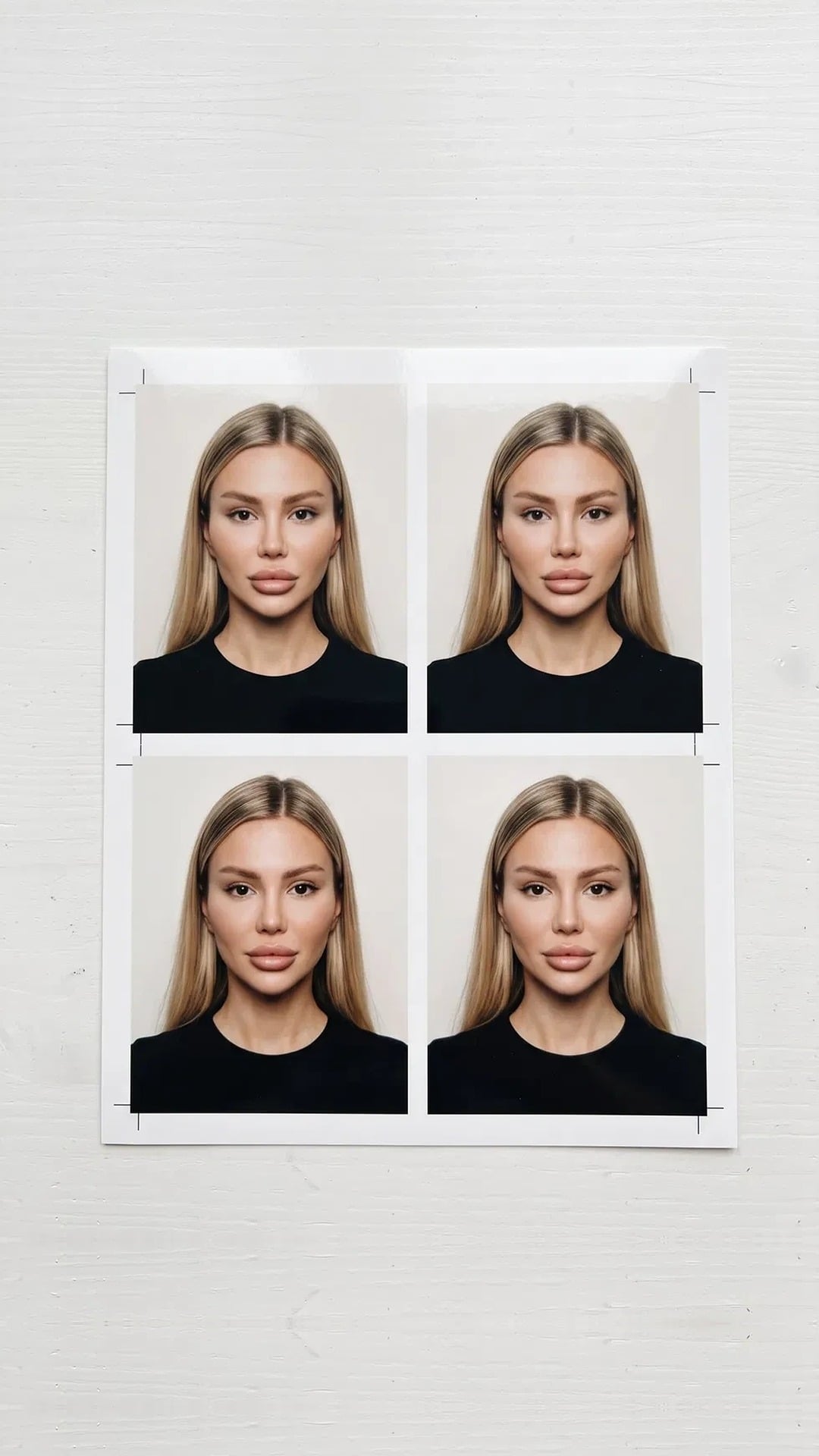
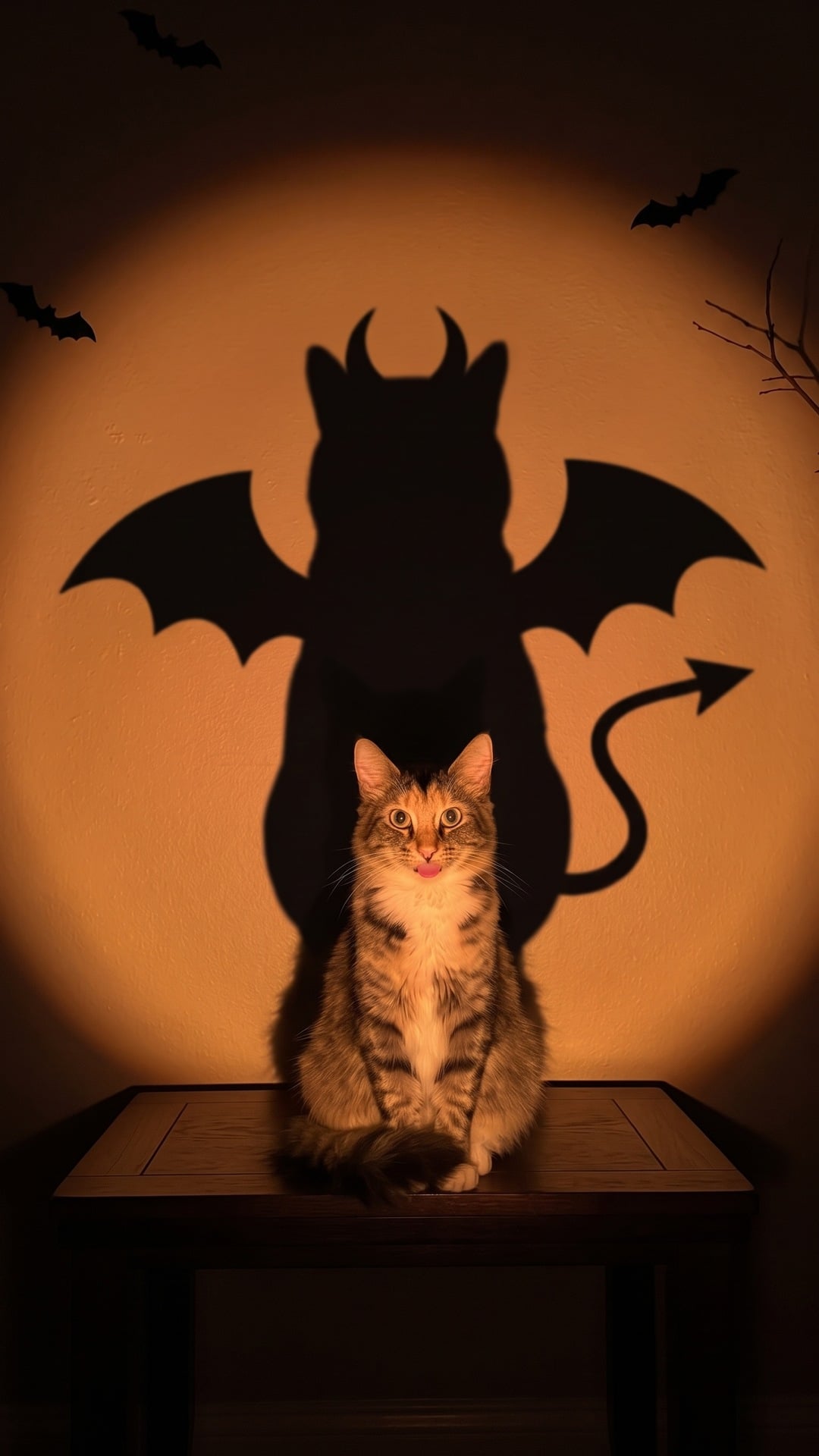
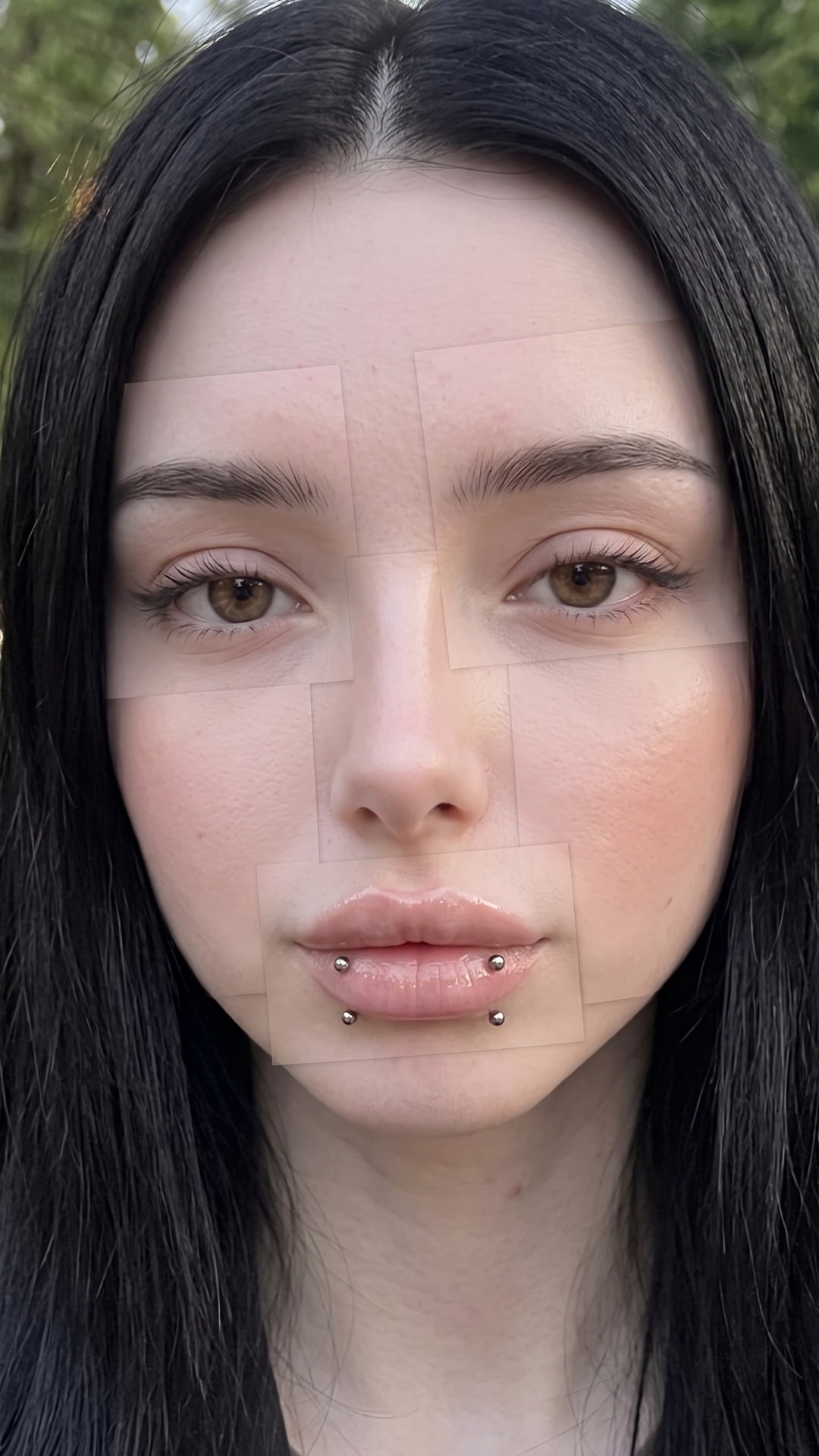
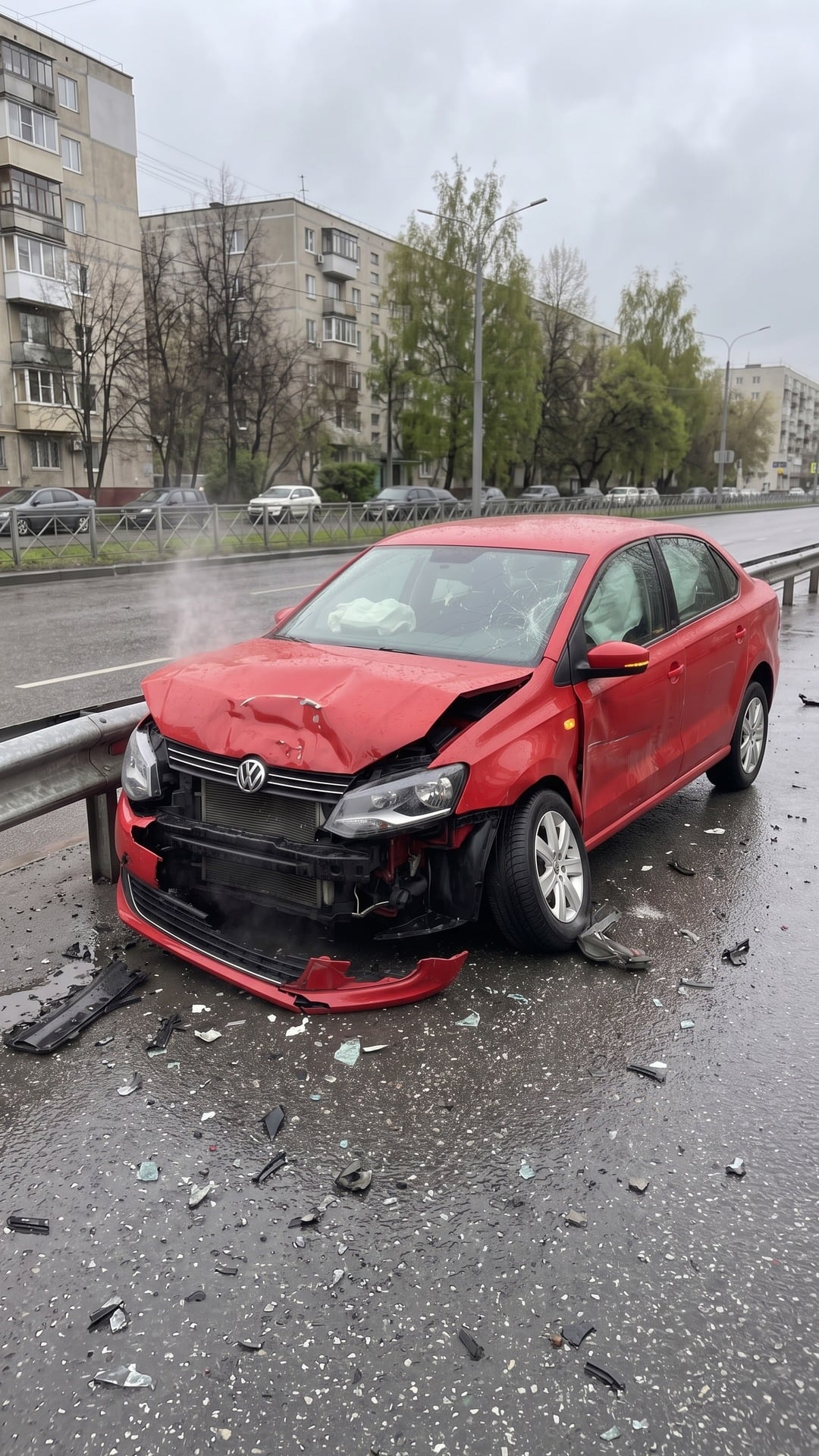
Photo from a Screenshot
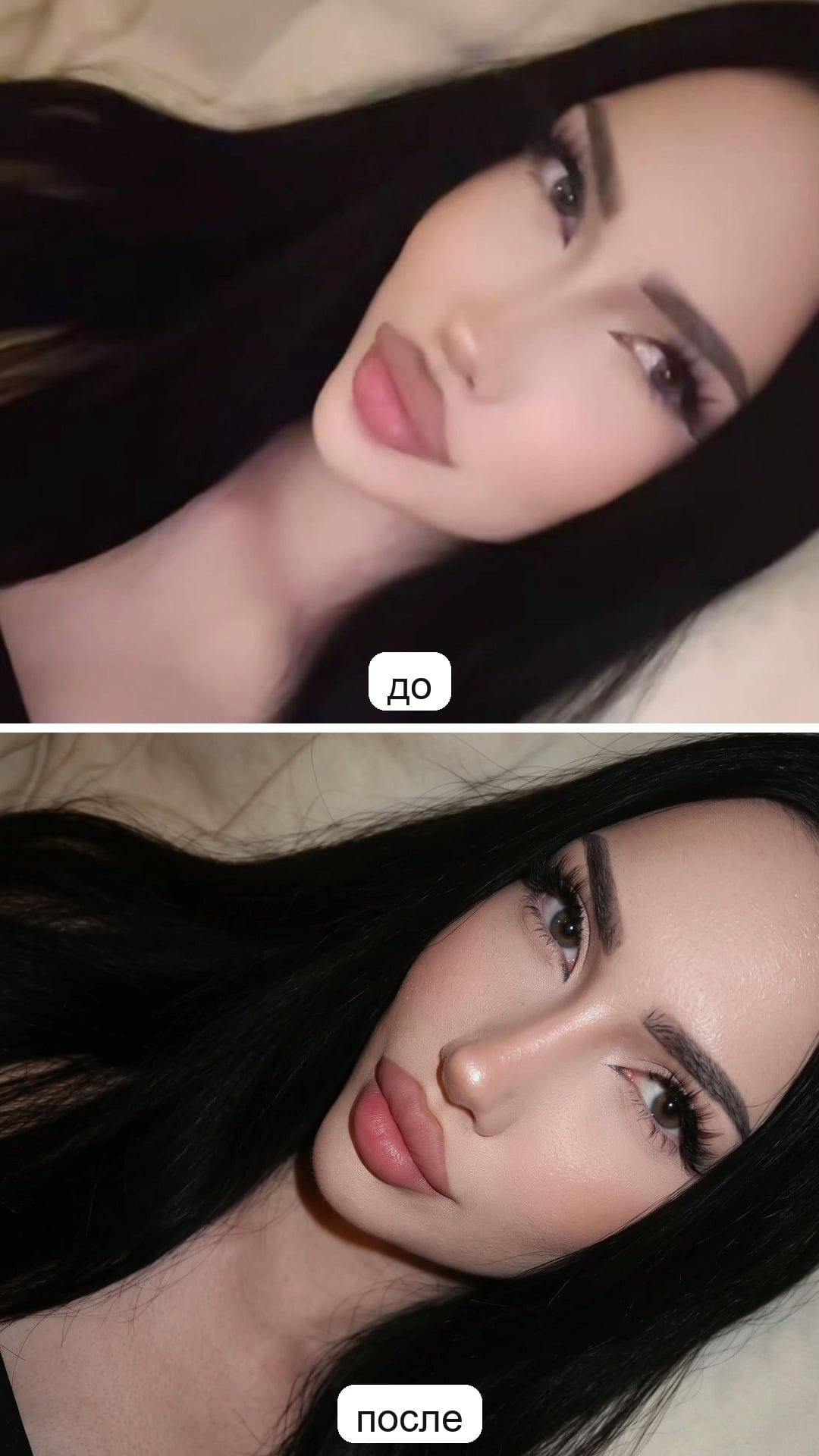
Upload a blurry photo or a screenshot from a video: get the same shot in crisp quality, as if from a good camera.
“Photo from a Screenshot” is an AI photo template. Upload a blurry photo or a screenshot from a video: get the same shot in crisp quality, as if from a good camera. Upload your photo. The prompt is already inside, so there’s nothing to type. Nano Banana Pro, 30 credits per image at 2K, and you only pay for a finished result.
What you get
How it works
- 1. Tap “Make one like this”: the prompt is already inside, nothing to type.
- 2. Upload a photo to the “Your photo” field: face clearly visible, daylight, no filters.
- 3. Start the generation. You see the price up front and only pay for the result.
What people use it for
- A TikTok or Instagram post or carousel in a format that’s trending right now.
- An avatar or a story cover.
- A fun surprise for friends: the image is easy to share in a chat.
Photo and prompt tips
- Your photo: Face clearly visible, one person in the shot, no glasses or filters.
- Use daylight and skip filters and dark glasses: that way the AI captures your face more accurately.
- Not happy with the result? Run it again: every generation is a little different, and a new image takes a minute or two.
FAQ
- How do I make “Photo from a Screenshot” from my photo?
- Tap “Make one like this” and upload your photo. In a minute or two the image appears in My generations, ready to download.
- How much does the “Photo from a Screenshot” template cost?
- Nano Banana Pro, 30 credits per image at 2K. You see the price before you start, and you only pay for a finished result.
- Can I try it for free?
- Yes: new accounts get 50 credits, enough for a first generation with this template.