Turn into LEGO
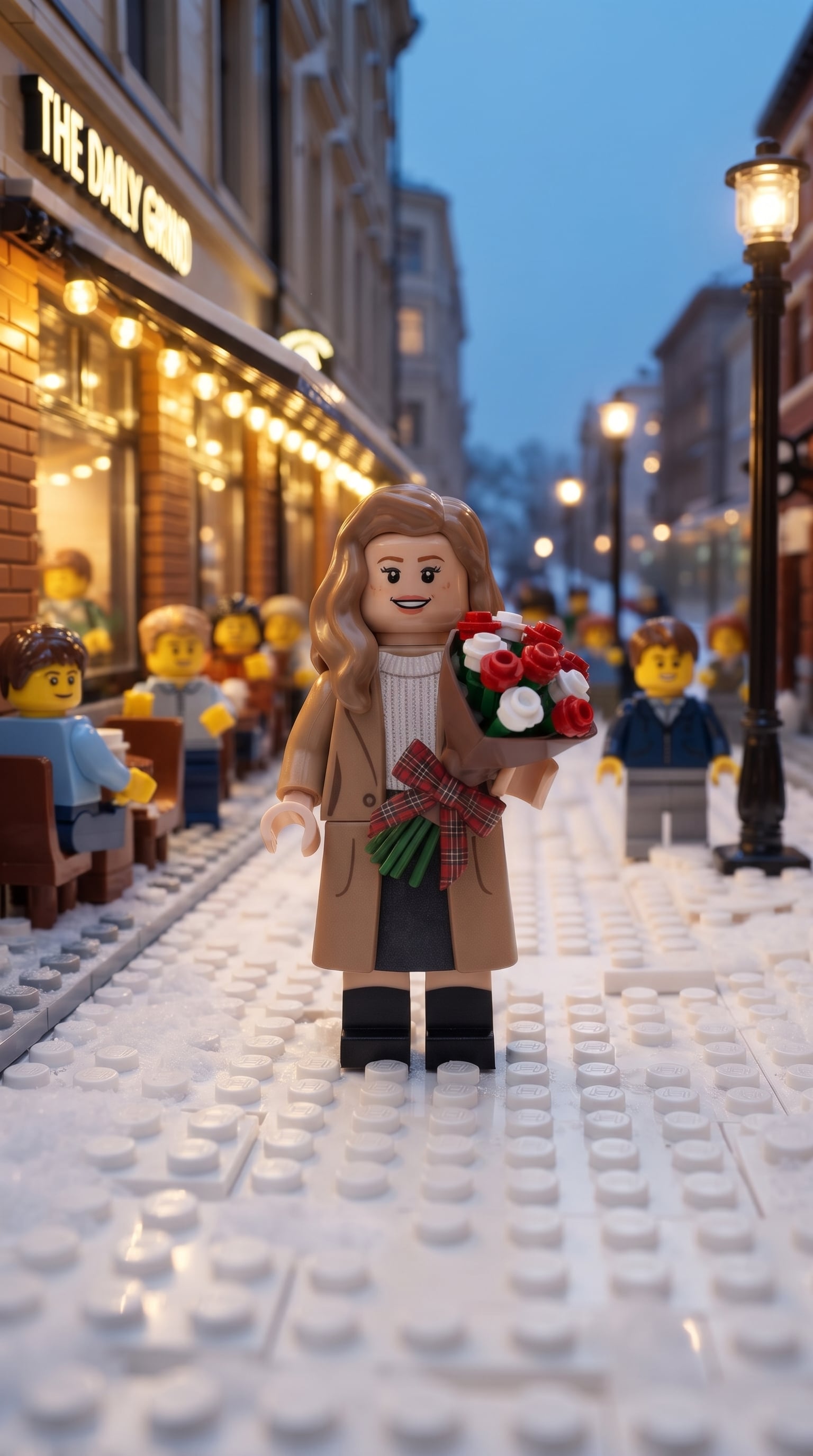
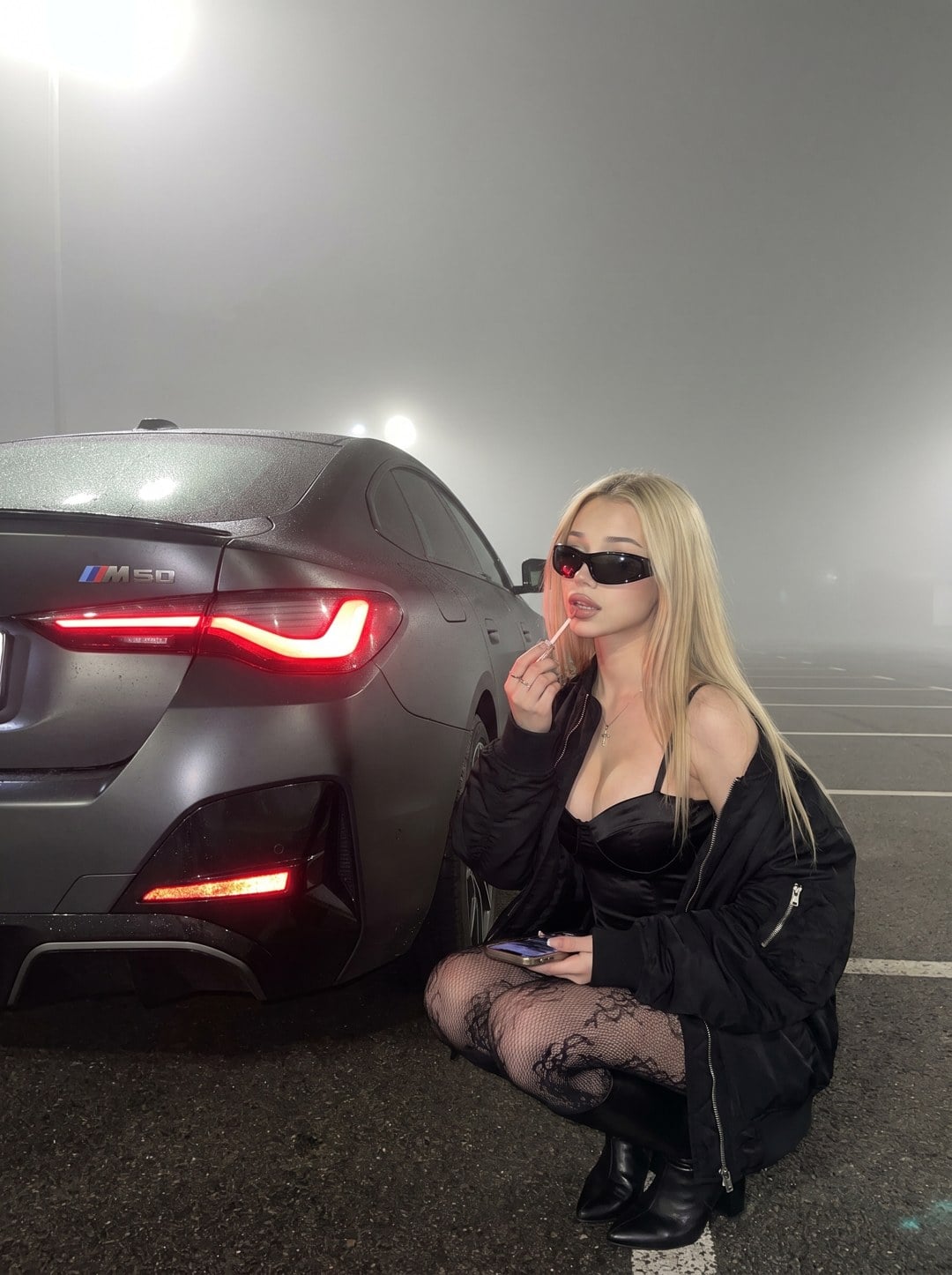
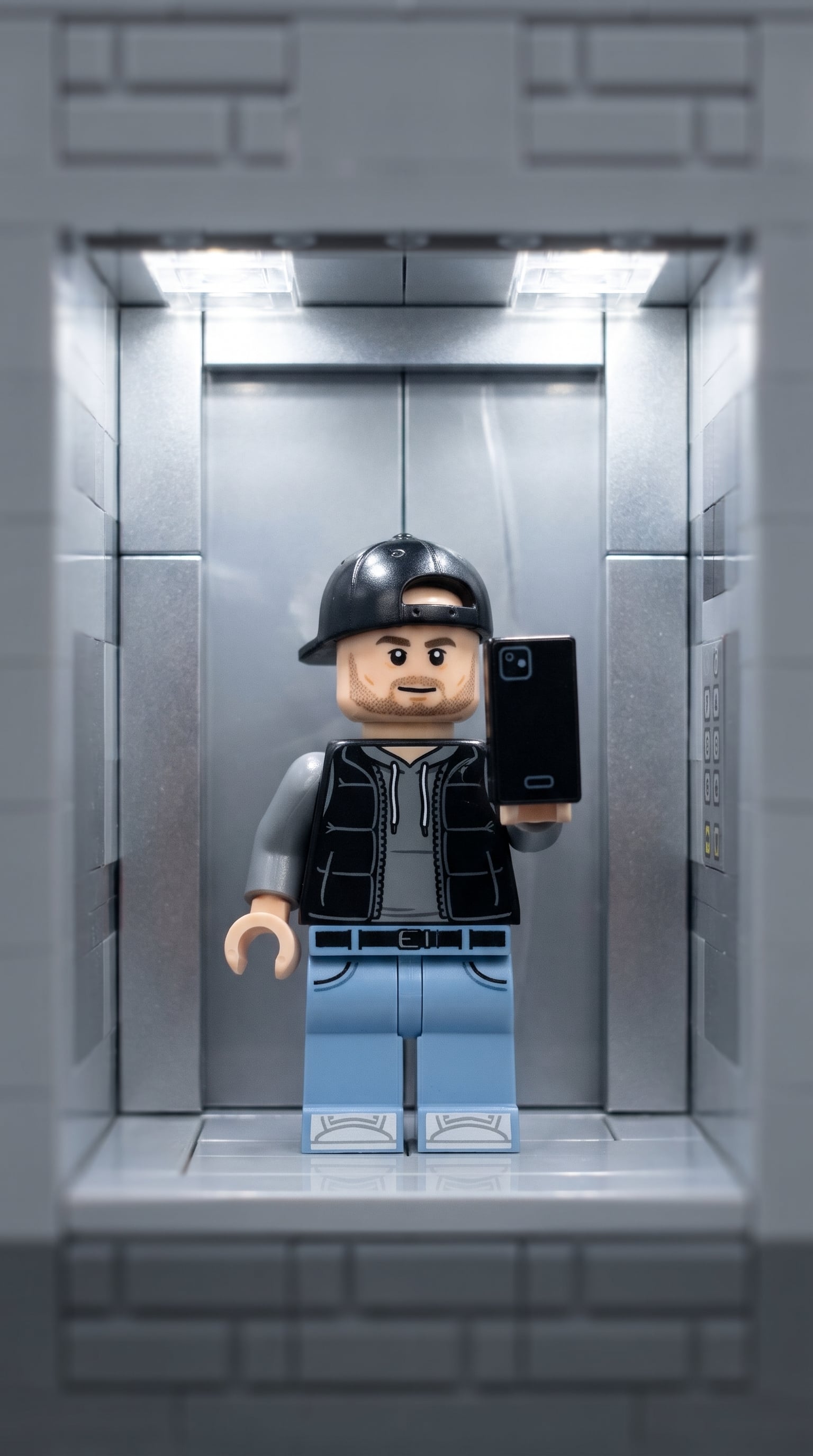
Upload your photo: you and everything around you turn into LEGO. You become a minifigure with your own hairstyle and clothes, and the street or room is built from bricks.
“Turn into LEGO” is an AI photo template. Upload your photo: you and everything around you turn into LEGO. You become a minifigure with your own hairstyle and clothes, and the street or room is built from bricks. Upload your photo. The prompt is already inside, so there’s nothing to type. Nano Banana Pro, 30 credits per image at 2K, and you only pay for a finished result.
What you get
How it works
- 1. Tap “Make one like this”: the prompt is already inside, nothing to type.
- 2. Upload a photo to the “Your photo” field: face clearly visible, daylight, no filters.
- 3. Start the generation. You see the price up front and only pay for the result.
What people use it for
- A TikTok or Instagram post or carousel in a format that’s trending right now.
- An avatar or a story cover.
- A fun surprise for friends: the image is easy to share in a chat.
Photo and prompt tips
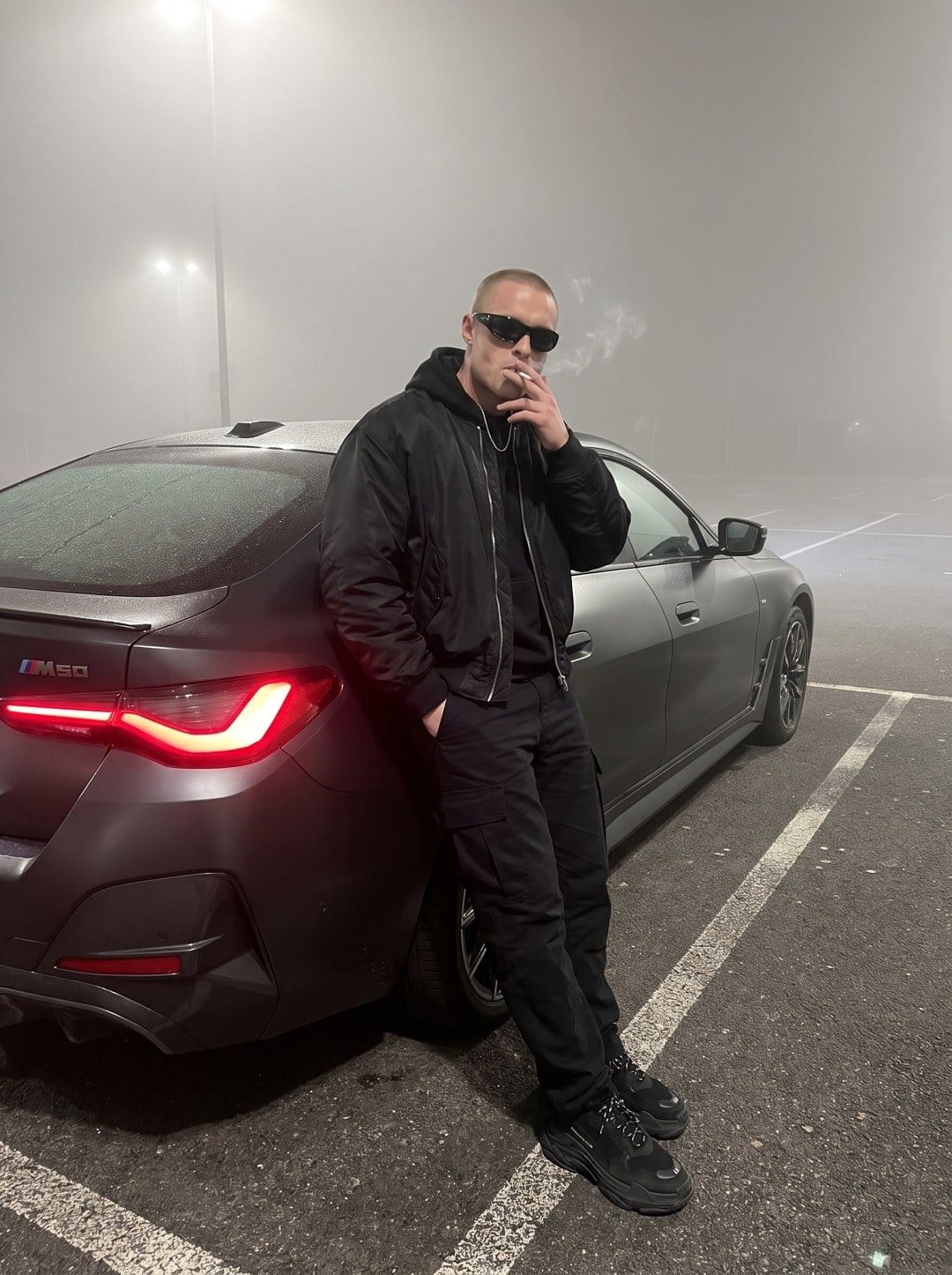
- Your photo: Face clearly visible, one person in the shot, no glasses or filters.
- Use daylight and skip filters and dark glasses: that way the AI captures your face more accurately.
- Not happy with the result? Run it again: every generation is a little different, and a new image takes a minute or two.
Template prompt
You can tweak it right in the generator: the template just fills in a starting point.
Photo 1 is me, an adult man. Remake photo 1 in LEGO. Keep only its layout: where the buildings, the street, the lamps, the people and I are, and the light and colours. Redraw the whole background from scratch as a LEGO city built from bricks, so no real photo is left: brick-built LEGO buildings with LEGO windows and LEGO signs, LEGO lamp posts, LEGO plates for the ground and the snow, a sky of LEGO bricks, LEGO minifigures for all other people, all in the same places as in photo 1. If photo 1 is taken indoors, the same room is rebuilt the same way as a LEGO room set, with no city added.
I am a classic LEGO minifigure of exactly me, minifigure size and proportions (cylindrical head, short legs, C-shaped hands), in my place and pose: a printed LEGO face with my eye colour, eyebrows and expression, and my beard, moustache or stubble printed in my colour if I have them; head and hands in a LEGO skin tone close to my skin, not yellow; a sculpted LEGO hair piece with exactly my hairstyle, length and hair colour, or a bald head if my head is shaved, and my cap or hat as a LEGO piece worn the same way; my clothes printed on the torso, arms and legs in exactly the same colours and details; what I hold (phone, bag, cup) as LEGO pieces in my C-shaped hands.
Tilt-shift photo with a macro lens: glossy plastic, shallow depth of field, the same light and time of day as in photo 1.
Avoid: any real photographic building, real stone, real plaster, real glass, real people, real bodies with LEGO heads, real skin, a doll with long legs, a 3D render look, text, watermark.
FAQ
- How do I make “Turn into LEGO” from my photo?
- Tap “Make one like this” and upload your photo. In a minute or two the image appears in My generations, ready to download.
- How much does the “Turn into LEGO” template cost?
- Nano Banana Pro, 30 credits per image at 2K. You see the price before you start, and you only pay for a finished result.
- Can I try it for free?
- Yes: new accounts get 50 credits, enough for a first generation with this template.