Animate a Photo
Subtle motion in the frame.
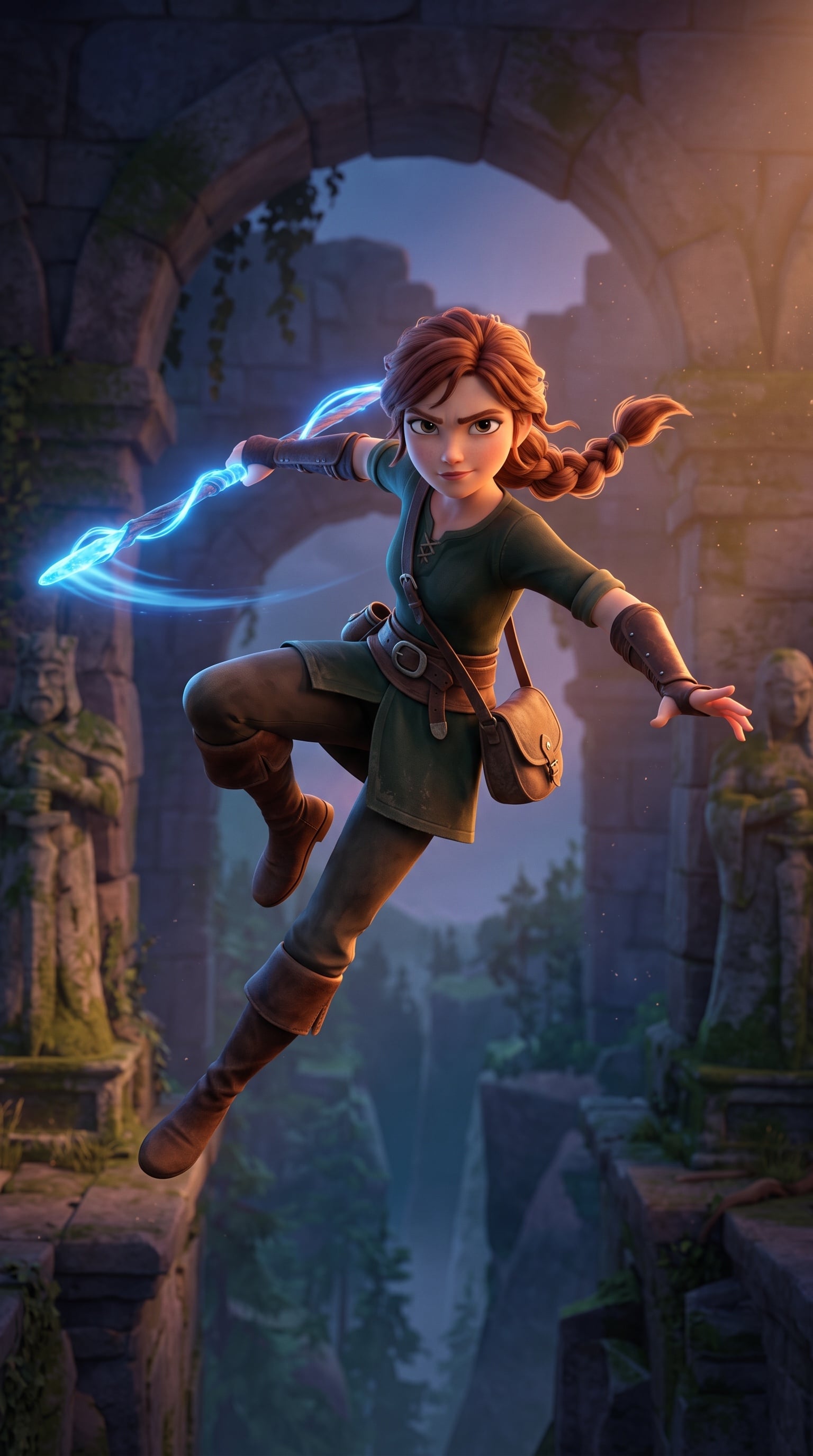
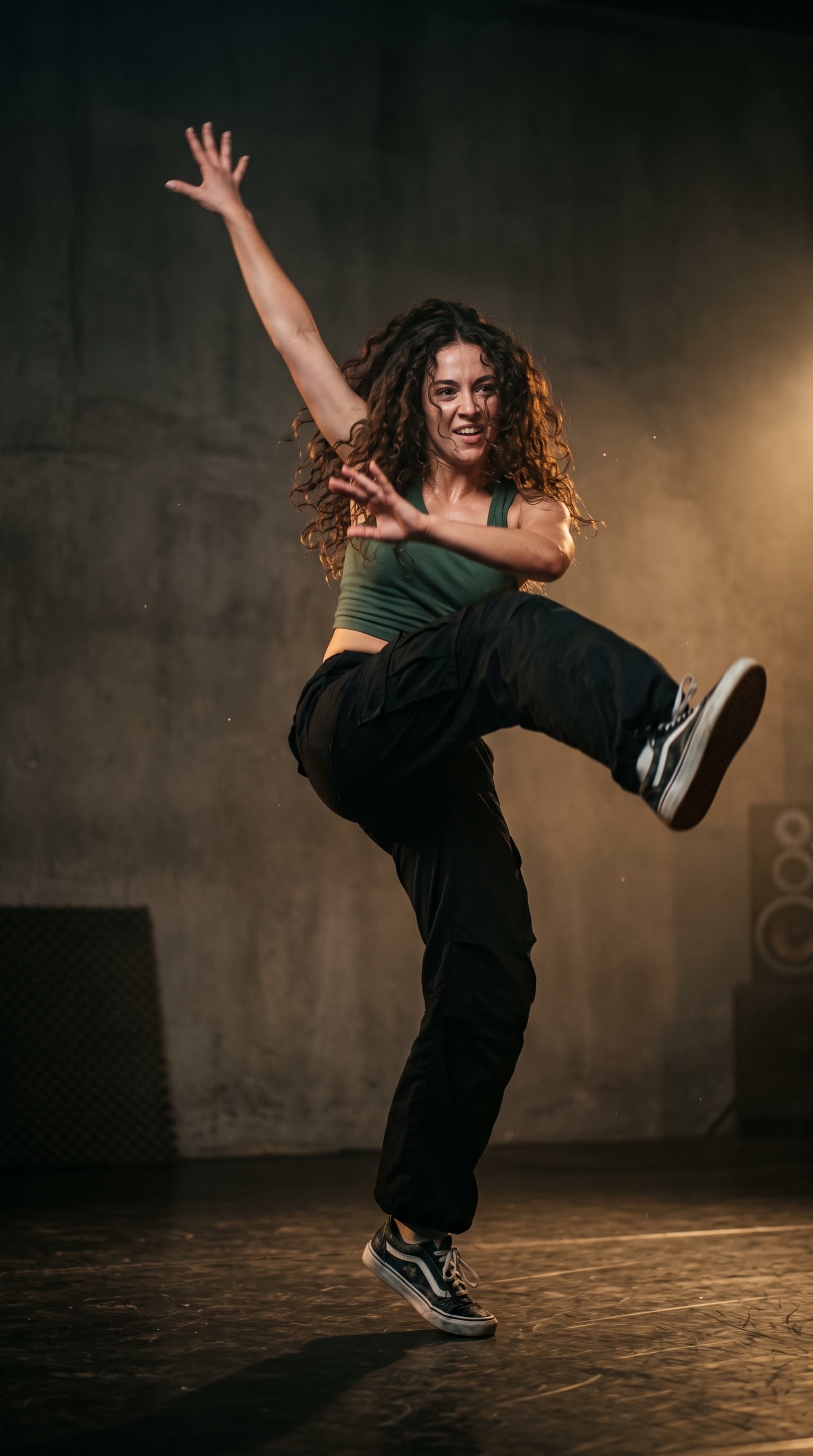
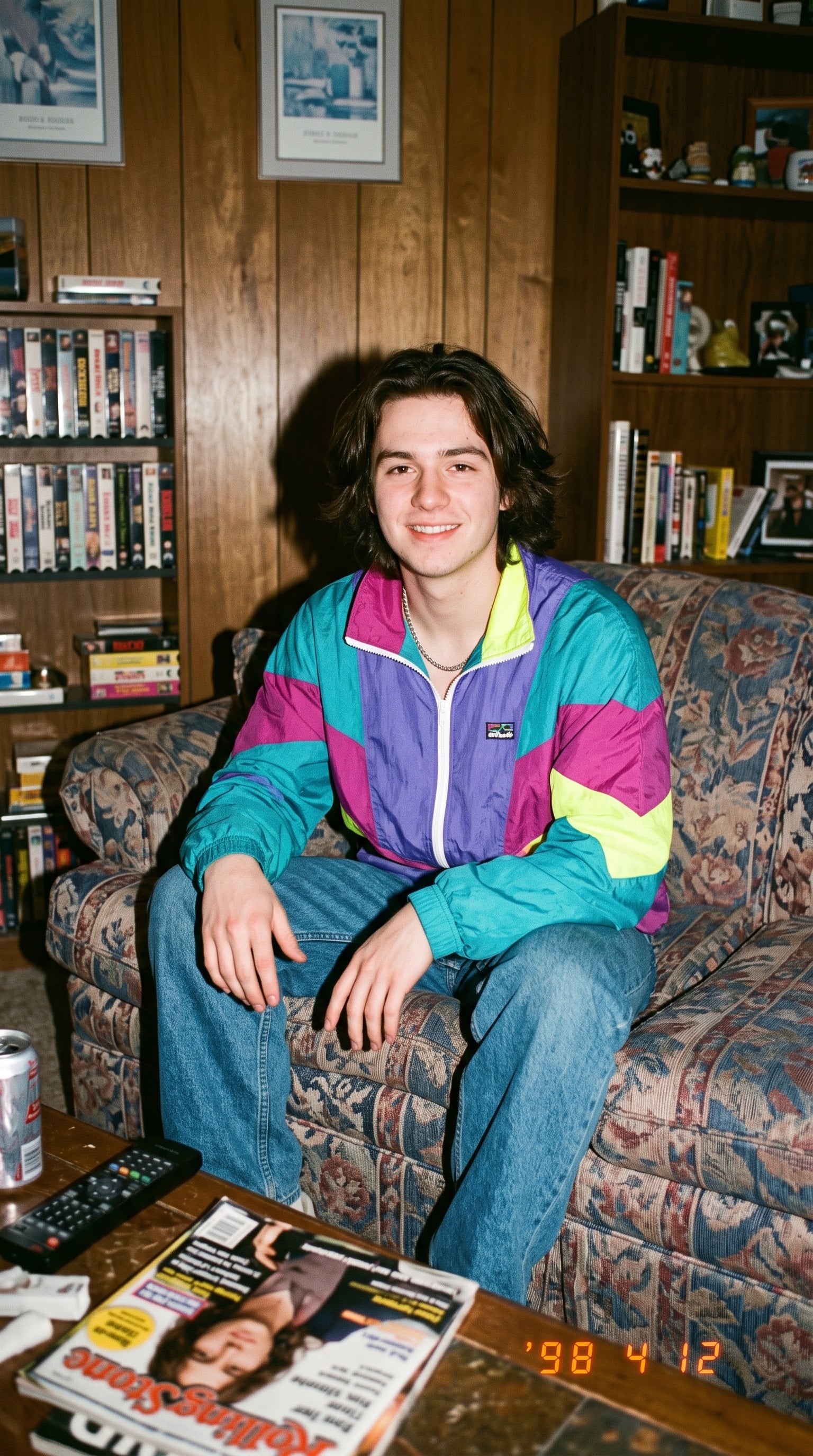
“Animate a Photo” is an AI video template. Subtle motion in the frame. Upload your photo. The prompt is already inside, so there’s nothing to type. Kling 2.5 Turbo, from 200 credits per video, and you only pay for a finished result.
What you get
How it works
- 1. Tap “Make one like this”: the prompt is already inside, nothing to type.
- 2. Upload a photo to the “Your photo” field: face clearly visible, daylight, no filters.
- 3. Start the generation. You see the price up front and only pay for the result.
What people use it for
- A short video for Reels, TikTok or Shorts.
- A live cover or intro for a post or story.
- A greeting you’d happily send to a group chat.
Photo tips
- Your photo: Face clearly visible, one person in the shot, no glasses or filters.
- Use daylight and skip filters and dark glasses: that way the AI captures your face more accurately.
- Not happy with the result? Run it again: every generation is a little different, and a new video takes a minute or two.
Template prompt
You can tweak it right in the generator: the template just fills in a starting point.
Оживи сцену: [ОПИСАНИЕ КАДРА] — добавь лёгкое естественное движение (ветер, волосы, дыхание, блики), тонкое движение камеры, сохрани реалистичность. Совет: приложите стартовый кадр для image-to-video.
FAQ
- How do I make “Animate a Photo” from my photo?
- Tap “Make one like this” and upload your photo. In a minute or two the video appears in My generations, ready to download.
- How much does the “Animate a Photo” template cost?
- Kling 2.5 Turbo, from 200 credits per video. You see the price before you start, and you only pay for a finished result.
- Can I try it for free?
- New accounts get 50 credits to spend on photo templates.