Underwater World
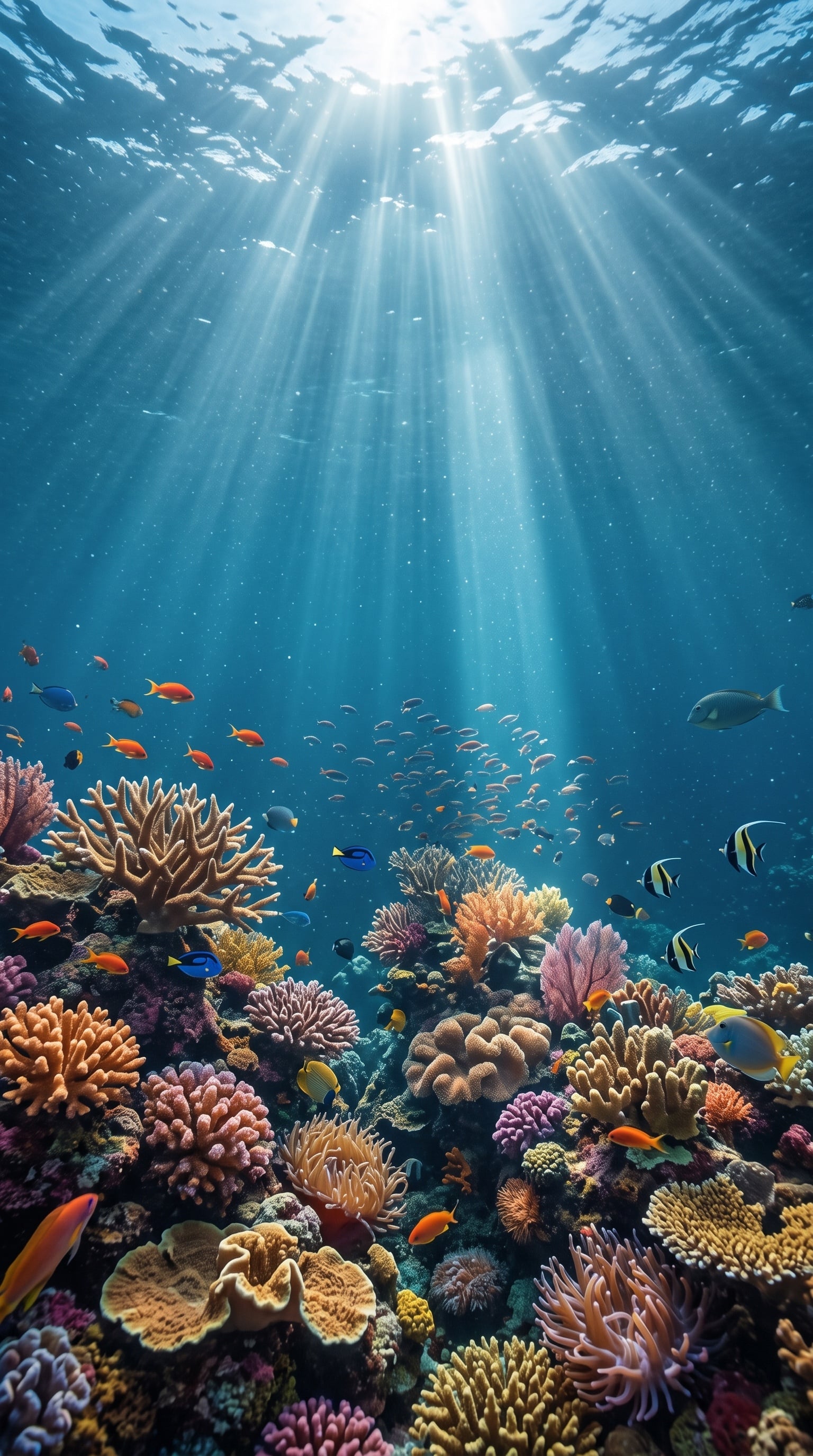
A smooth shot under water.
“Underwater World” is an AI video template. A smooth shot under water. Upload your photo. The prompt is already inside, so there’s nothing to type. Kling 2.5 Turbo, from 200 credits per video, and you only pay for a finished result.
What you get
How it works
- 1. Tap “Make one like this”: the prompt is already inside, nothing to type.
- 2. Upload a photo to the “Your photo” field: face clearly visible, daylight, no filters.
- 3. Start the generation. You see the price up front and only pay for the result.
What people use it for
- A short video for Reels, TikTok or Shorts.
- A live cover or intro for a post or story.
- A greeting you’d happily send to a group chat.
Photo tips
- Your photo: Face clearly visible, one person in the shot, no glasses or filters.
- Use daylight and skip filters and dark glasses: that way the AI captures your face more accurately.
- Not happy with the result? Run it again: every generation is a little different, and a new video takes a minute or two.
Template prompt
You can tweak it right in the generator: the template just fills in a starting point.
Подводная съёмка: [СЦЕНА: риф/рыбы/глубина], лучи света сквозь толщу воды, плавное движение камеры, частицы в воде, спокойная медитативная атмосфера, фотореализм
FAQ
- How do I make “Underwater World” from my photo?
- Tap “Make one like this” and upload your photo. In a minute or two the video appears in My generations, ready to download.
- How much does the “Underwater World” template cost?
- Kling 2.5 Turbo, from 200 credits per video. You see the price before you start, and you only pay for a finished result.
- Can I try it for free?
- New accounts get 50 credits to spend on photo templates.